
The Web Audio API is a sophisticated system for controlling audio on the Web. It allows developers to load, decode, and bridge audio nodes to create complex real-time processing graphs. In this tutorial, we explore a vital communication pattern: sending messages from the main application thread to an AudioWorkletProcessor using the postMessage() method.
What is an AudioWorkletProcessor?
An AudioWorkletProcessor is a specialized JavaScript class that runs custom audio processing algorithms. Unlike standard nodes, it operates on a separate rendering thread, independent of the main UI thread. This isolation ensures that heavy audio computations (like synthesis or complex effects) do not cause the user interface to stutter or lag.
The process() method within the processor is called synchronously by the audio engine to handle input and output buffers. Because the processor lives in its own scope, communication with your main app.js file must be handled via a MessagePort.
Sending Messages to the AudioWorkletProcessor
To communicate with the worklet, we use the port property of the AudioWorkletNode. In this example, the application notifies the processor specifically when an audio file finishes playing.
1. Sending the message (app.js):
// When the source node finishes, notify the worklet
source.addEventListener("ended", () => {
workletNode.port.postMessage("audio-ended");
});
2. Receiving the message (worklet.js):
// Inside the AudioWorkletProcessor constructor
this.port.onmessage = (event) => {
if (event.data === "audio-ended") {
console.log("Worklet received: audio playback has ended.");
}
};
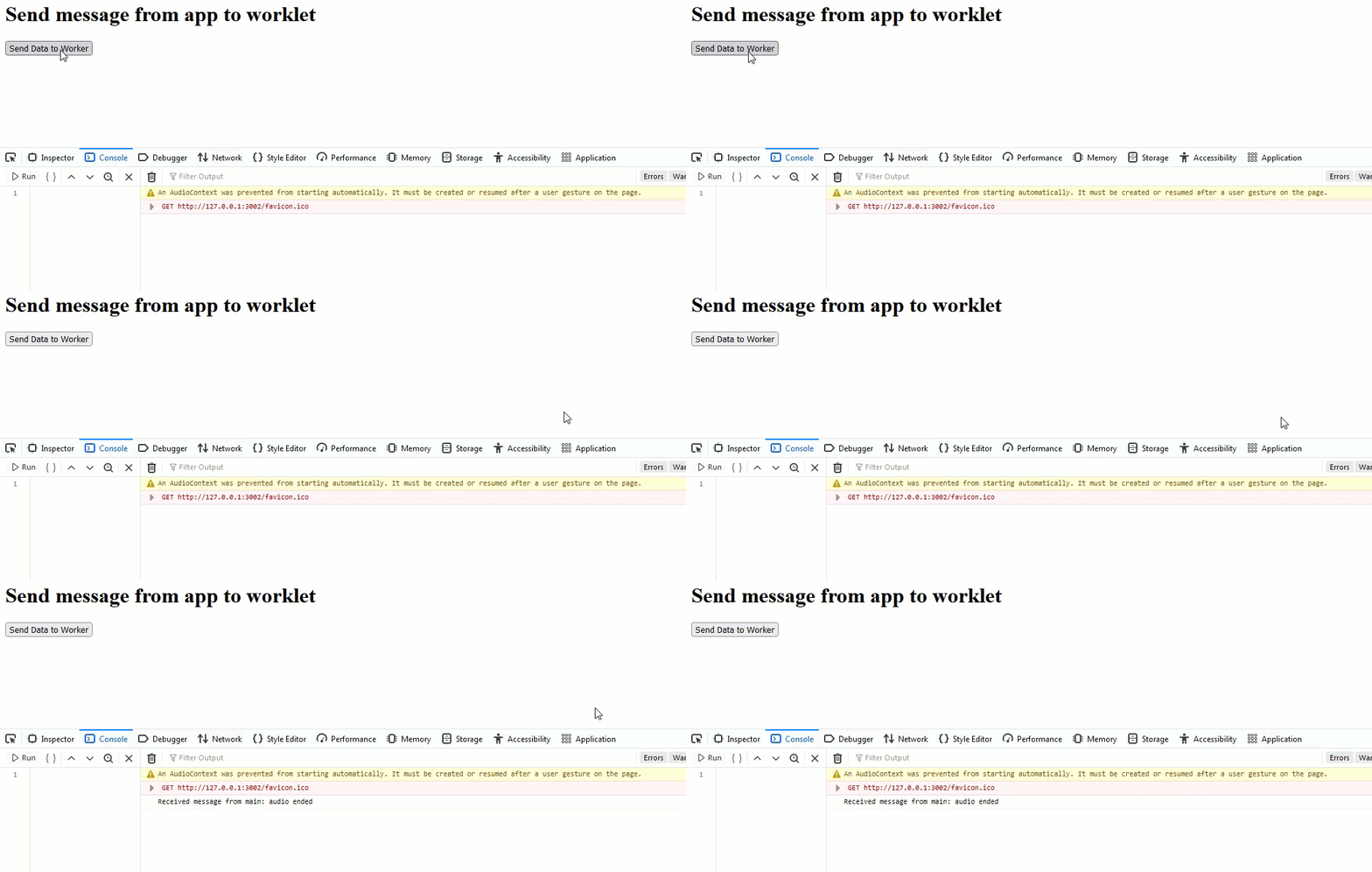
Complete Program Codes
index.html
<h1>Web Audio API: App to Worklet</h1>
<button id="start-button">Start Audio & Message</button>
<script src="app.js"></script>
app.js
const audioContext = new AudioContext();
const startButton = document.querySelector("#start-button");

async function setupAudio() {
// Load audio file
const response = await fetch("helloaudio.wav");
const arrayBuffer = await response.arrayBuffer();
const audioBuffer = await audioContext.decodeAudioData(arrayBuffer);

// Register and create the Worklet Node
await audioContext.audioWorklet.addModule("worklet.js");
const workletNode = new AudioWorkletNode(audioContext, "my-worklet-processor");
workletNode.connect(audioContext.destination);

// Setup the Source Node
const source = audioContext.createBufferSource();
source.buffer = audioBuffer;
source.connect(audioContext.destination);

// Message Logic
source.addEventListener("ended", () => {
    workletNode.port.postMessage("audio-ended");
});

startButton.addEventListener("click", () => {
    if (audioContext.state === 'suspended') {
        audioContext.resume();
    }
    source.start();
}, { once: true });
}

setupAudio();
worklet.js
class MyWorkletProcessor extends AudioWorkletProcessor {
constructor() {
super();
// Handle incoming messages from the main thread
this.port.onmessage = (event) => {
if (event.data === "audio-ended") {
console.log("Main thread signaled: Audio has finished playing.");
}
};
}

process(inputs, outputs, parameters) {
    // Keep the processor alive
    return true;
}
}

registerProcessor("my-worklet-processor", MyWorkletProcessor);
Conclusion
Using postMessage() with the Web Audio API allows for seamless coordination between your UI and your background audio processing. This bridge is essential for creating responsive, interactive musical applications or complex signal-processing tools that require high performance without sacrificing UI fluidity.
